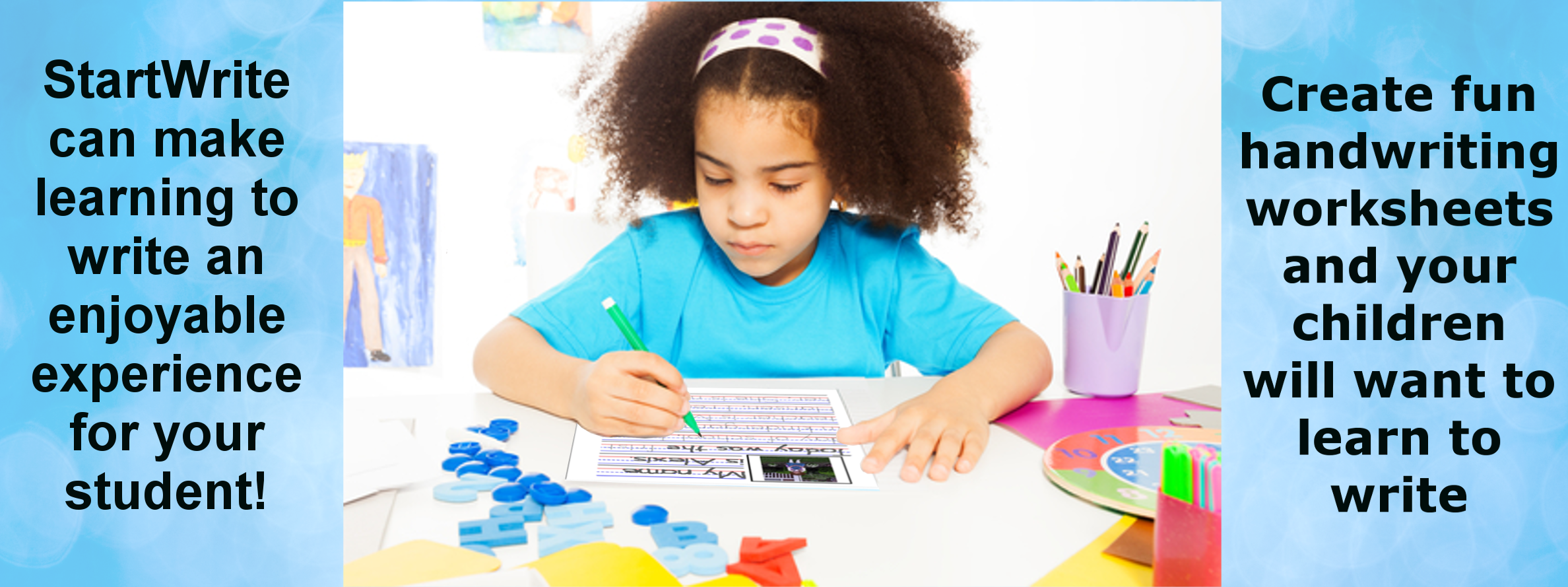
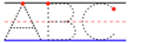
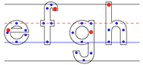
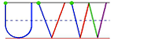
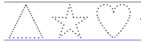
StartWrite gives parents and teachers the tools to create fun handwriting practice sheets so children will enjoy writing
Just Type, Print and Practice!
Video Tutorials
We Show-and-Tell each feature of StartWrite
Download Free Trial Software
What Users Tell Us
"Startwrite is an answer to a prayer. Not only am I using it to teach my Kindergarten son how to write and get him started on the right path to beautiful handwriting, but I am also using it to teach myself Italic writing. My own handwriting has suffered terribly over the years for lack of practice."
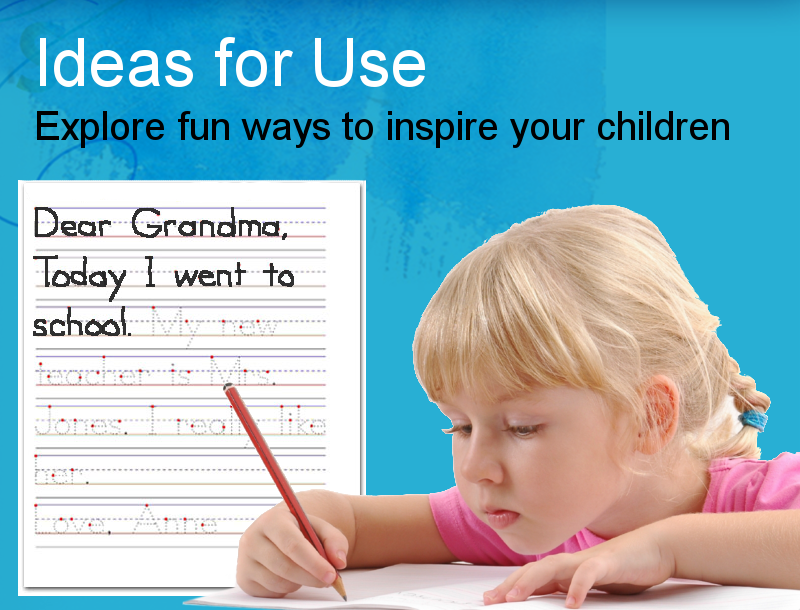
Handwriting is an art and a physical skill that is essential to communication, even in our electronic age. But good handwriting requires practice, and just like grown-ups, kids get bored with busy work. Personalized practice sheets will keep your students interested, with words, sentences, pictures and clipart they recognize are meaningful to them. Now they will love to write (at least until they learn to send text messages).
The more imaginative you are as a parent or teacher, the more you can create personalized handwriting practice sheets using StartWrite as your design tool.
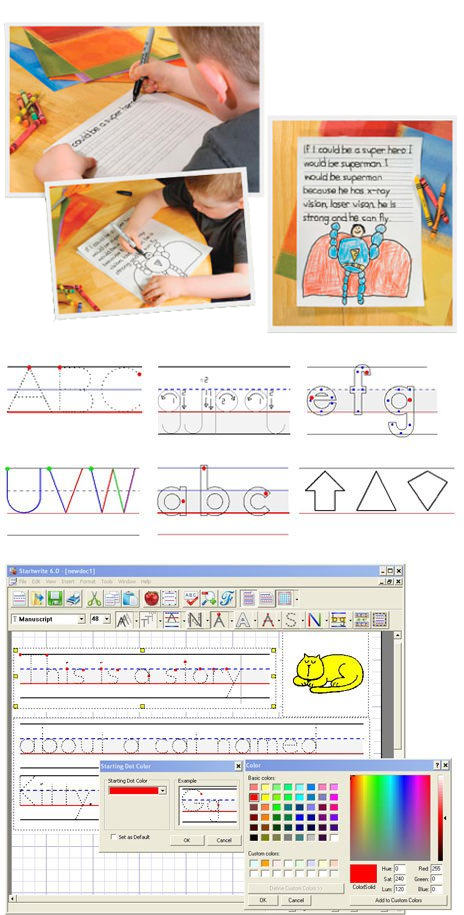
You can add fun Border Art as a highlight for the words your children are learning.
You can control various colors and different attributes of the letters.
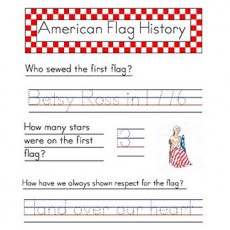
You can insert Dotted Shapes to help them visualize by drawing the shapes, such as squares, circles and triangles as they write the words.
Other features include adding Stroke Arrows, Clip Art, Start Dots, Area Shading, and many more.
The Best Software For Teachers of Young Children!
Are you a teacher? If yes, then you obviously are thinking or planning how you can teach your young students to write. StartWrite gives you the tools to create the kind of practice sheets that you are probably wishing you had to teach handwriting: Shaded and Dotted Letters, Stroke Arrows, Starting Dots, Decision Dots, Letter Outlines and much more. You'll not only create amazing practice sheets, but your handwriting practice sheet preparation time will be much shorter. StartWrite software lets you create it, customize it and print it. More
Purchase StartWrite Software License
Purchase StartWrite Software License
Platform :Windows
Price:
$29.95
Quantity:
1
Unit Price: $29.95
Coupon Code: ?
Product description:
StartWrite makes teaching handwriting much easier. With personalized practice sheets your students and children will enjoy handwriting. No one likes busy work. So StartWrite, with powerful design tools and numerous creative options, makes creating handwriting practice sheets fun. You'll find StartWrite Handwriting software indispensable in teaching handwriting.
You can download StartWrite software with all the features and use it one time for free. When opening the software the second time, the software changes to the demo mode where a few features and vowels are turned off. You can then purchase the activation key which will turn the software back to the full featured version. The license gives you a life-time activation for the same computer.
After successful payment, you will receive TWO emails � one from our Key Generator System and another from our Accounting System. The first email will be a new email address for StartWrite activation and the activation key. You are to use the new email when activating the software. The second email will be a PDF copy of your purchase receipt.
In the help menu of the software is the selection for the software activation page. This is where you will enter the name, modified email address and the activation key for each license purchased. Please note that the end user must download the demo software from the FREE DOWNLOADS before entering the activation information.
StartWrite Features at a Glance
StartWrite makes teaching handwriting much more effective with personalized practice sheets that your students and children will enjoy. No one likes busy work. StartWrite makes creating handwriting practice sheets fun with powerful design tools and numerous creating options. You'll find StartWrite Handwriting software indispensable in teaching handwriting.
FUN, FEATURES and FONTS
StartWrite includes multiple fonts and features designed to help teachers and parents create fun practice sheets that children and students will enjoy!
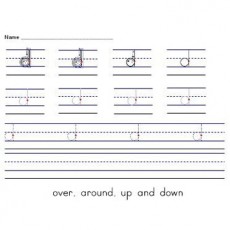
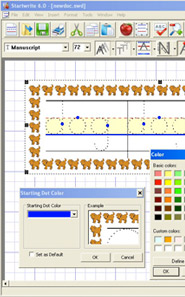
Start Dot: The Start Dot shows your student where to begin each letter. Use the Start Dot in combination with other features to create all kinds of exciting worksheets.
Letter Outline: Get the youngest ones started by tracing lines within the outline of each letter.
Decision Dots: These dots indicate critical points in a letter, where each stroke begins, ends, bends, curves, zigs or zags. So children can practice what comes next.
Color Letters: Designate each stroke with a color or shade of gray, indicating which comes 1st, 2nd, and 3rd. Teach your kids technique with a fun, colorful exercise.
Dotted Shapes: Place these objects on the same line as the word, so students can trace geometric shapes and learn to write their names: square, circle, triangle.
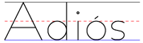
Spanish Fonts: Now Spanish speakers can practice in their own language, and other kids can learn special characters like ñ and é.
GET CREATIVE!
Font Shading from Light to Dark for better visual understanding of letters.
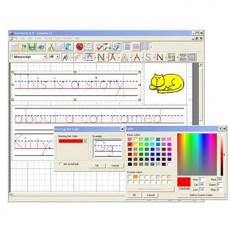
Select any or all of Four Guide Line Options: Top, Bottom, Middle and Descender. Change any line to dashed, solid or turn off and change to any color you like.
Type the font as solid letters, dashed or dotted.
Stroke Arrows for correct letter formation.
Expand Font Sizes anywhere from 1/4" to full page size.
Choose Handwriting Fonts including Manuscript, Manuscript-Simple, Modern Manuscript, Italic, PLMR, HWOT, VIC - Australia, QLD - Australia, and NSW - Australia.
Use Cursive Fonts that relate to the above-listed, for the advanced students.
Area Highlight: You can highlight any of the three writing areas in any color desired.
Flowing Text: Allows text to flow from one Text Box to another.
Grid: The Grid View helps you arrange the Text and Art Boxes on the screen, but the Grid will not print on the practice sheet.
Clip Art is Included or import your own BMP or JPG clipart for fun personalized pages.
Border Art: Add fun, exciting borders around the text boxes.
Print Practice sheets on Regular Paper on your printer.
Print in Portrait or Landscape to meet your needs.
Word Spell Checker for correctly spelled practice sheets.
Math Fonts and other graphical fonts for even greater learning opportunities.
And there's much more....
Sample Fonts
►Manuscript — Manuscript (Similar to Zaner-Bloser)
►Manuscript-Simple — Manuscript-Simple (Similar to Zaner-Bloser Simplified)
►Manuscript 2 — Manuscript 2 (Similar to Zaner Bloser)
►QLD Link — QLD Link (Queensland Cursive - Australia)
►NSW Print — NSW Print (New South Wales Manuscript - Australia)
►NSW Link — NSW Link (New South Wales Cursive - Australia)
►Clocks — Clocks (AM and PM are with Cap Lock ON: Q W E R T Y U I O P A S D F G H J K L Z X C V B)
►Money — Money (Coins are with Cap Lock OFF; Currency are with Cap Locks ON)
►Math 01 — Math 01 (Blocks, US Flags and Crayons with Cap Locks OFF; Balloons, Street Signs and Trucks with Cap Locks ON)
►Math 02 — Math 02 (Kites and Whales with Cap Locks OFF; Stars and Balloons with Cap Locks ON)
Sample Worksheets
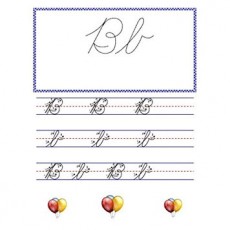
Click any worksheet thumbnail to see a larger view.
Video Tutorials
Welcome to StartWrite Videos. We have created videos that will describe and show you all the features of StartWrite. Just click on the video button below the specific video you want to learn about and then click the play button on the video window.
Need Acrobat Reader? Click here to download Acrobat Reader Free!
Free Trial Software
The Free Trial Version of Startwrite is a Fully Functioning, Complete Program. You are allowed to use it with all features. After the trial period, several letters and features are deactivated, but all other functions will still work.
The following are a sampling of the many actual emails we've received from our Startwrite users all across the United States and around the world.
Dear Startwrite,
We love your software and we were very excited when we found it. It's exactly what we were looking for, and will solve all of our worksheet problems. We can't wait to get started.
Thank You, Tanusree
Dear Startwrite,
The time it takes me to create a work page for my students with Startwrite is about one tenth the time it used to take me. I save at least 20 hours a week in preparation time for my kindergarten students.
Thank You, Nabin
Dear Startwrite,
Startwrite is an answer to a prayer. Not only am I using it to teach my Kindergarten son how to write and get him started on the right path to beautiful handwriting, but I am also using it to teach myself Italic writing. My own handwriting has suffered terribly over the years for lack of practice.
Thank You, Marie W.
I teach mentally handicapped students K-5. I installed Startwrite last year. The parents said the worksheets were lifesavers. To me, this program is the best thing for kids since peanut butter and jelly sandwiches were invented.
Thank you again. God Bless Mary Beth H.
About Us
Mr. David Sharp,Founder
StartWrite LLC.
David was trained and practiced as a CPA (Certified Public Accountant), but decided to start his own manufacturing business. During this time, while trying to help his young daughter, Emily, learn to write, he developed the idea that became StartWrite. Currently, David works in the procurement department of an international dental products manufacturing company. He and his wife have 4 children and 10 wonderful grandchildren. David loves to read, play the piano and spend time with his grandchildren. Startwrite has been very well received by teachers and parents alike in the United States and in several other countries.
Contact Us
For more information about Startwrite, customer support, or to order Startwrite software, please contact us:
We love hearing from you. Please send us your comments, suggestions, and success stories so we may continue to provide quality products that assist your educational efforts.
Your feedback is important.
* Indicates required fields
Our Story
David Sharp was teaching his daughter, Emily, who was four-years old at the time, how to handwrite. They were working on her school assignment, which was to trace the dotted letters on the paper she had brought home. The practice sheet had been copied many times and was a little difficult to read. Dave thought that he could create a few sheets that Emily could use and he would make them about things Emily enjoyed.
Dave realized after creating just a few dotted words, by hand, that it was very time consuming and tedious. He assumed that there was some kind of software available to make the task easier. After searching the Internet, he found nothing that had the features and options he wanted. He decided to create his own software and call it StartWrite Handwriting Software. To see if the idea would be useful, he questioned several school teachers he knew whether they would use this kind of software. Their reactions surprised him. Not only did they think the software would be good for them, they wanted him to sell it to them immediately. So Dave listed all the features and options he wanted and showed them to his friend Wayne Wylie. Wayne is really the creator of StartWrite because he is the amazing programmer that brought Dave's idea to life. With Wayne's professional programming abilities and Dave's idea and design, StartWrite was born.
Today, StartWrite Handwriting Software helps parents and teachers create fun, enjoyable handwriting practice sheets easily and quickly. StartWrite is now available to anyone and everyone who wants to help a child, a student or even an adult learn to handwrite or improve their handwriting.
Special Discount Coupon
If you are going to buy more than 10 licenses on behalf of any school or educational institute, then we have a SPECIAL DISCOUNT OFFER PRICE for you. Please call to receive special pricing. Based on your quantity of purchase, you will receive a discount coupon code that will allow you to enter online and purchase your StartWrite licenses at a discounted price. Make sure to press the 'Apply' button to get your discounted purchase price which is much lower than normal price.
You will receive one email from our Key Generator System which will contain a list of the activation keys you have purchased. In the help menu of the software, you will see the Activation option. This is where you will enter the name, modified email address and activation key to activate the StartWrite software successfully.
CALL OR EMAIL US NOW FOR SPECIAL DEALS FOR MULTIPLE PURCHASES. 801-359-2173
StartWrite, LLC
Salt Lake City, UT 84116 USA Phone: 801-359-2173 Fax: 801-770-2009 Email:[email protected]